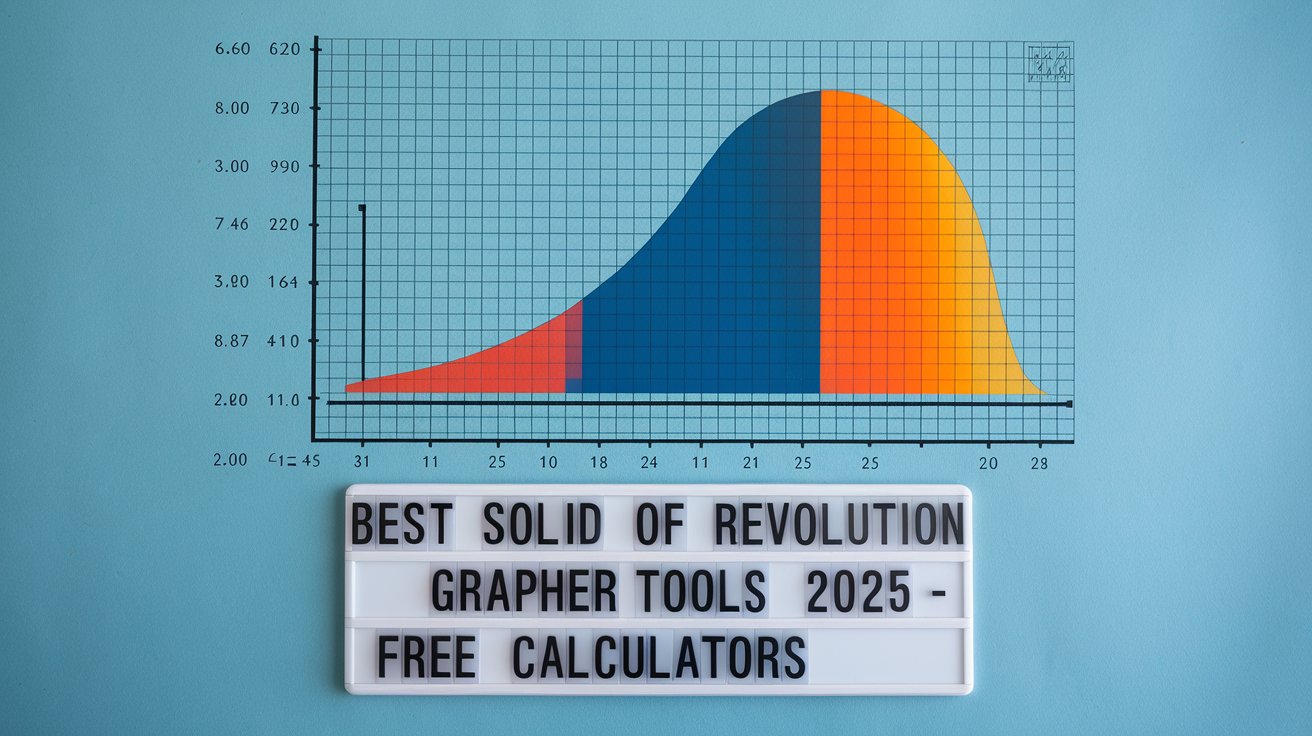
Best Solid of Revolution Grapher Tools 2025 – Free Calculators
A solid of revolution grapher is an essential tool for calculus students and educators working with three-dimensional objects created by rotating curves around axes. These digital graphing tools visualize complex mathematical concepts, making it easier to understand volume calculations and geometric transformations in 2025.
Best Solid of Revolution Grapher Tools Available
The modern landscape of solid of revolution grapher online tools offers numerous options for students and professionals. These platforms combine advanced mathematical computation with intuitive visual interfaces, allowing users to input functions and immediately see three-dimensional representations. Leading tools in 2025 include specialized calculators, interactive applets, and comprehensive graphing platforms.
Each solid of revolution calculator y-axis provides unique features tailored to different learning styles and mathematical complexity levels. From basic rotation visualizations to advanced volume calculations, these tools support both introductory calculus concepts and advanced engineering applications across educational institutions in the United States.
Desmos Solid of Revolution Features
Solids of revolution desmos stands out as the most accessible option for students, offering free access through web browsers without requiring software downloads. The platform supports real-time function editing, allowing users to modify curves and instantly observe how changes affect the resulting solid. Advanced features include customizable rotation intervals, multiple axis options, and integrated volume calculation tools that display step-by-step mathematical processes.
GeoGebra Revolution Capabilities
The solid of revolution geogebra environment provides comprehensive tools for exploring rotational geometry through interactive manipulatives and dynamic visualizations. Users can create custom applets, share projects with classrooms, and access thousands of pre-built examples covering various mathematical scenarios. The platform’s 3D graphing capabilities excel in demonstrating complex rotational transformations around both x and y axes.
Interactive Applets for Educational Use
Solids of revolution applet tools have revolutionized mathematics education by providing hands-on learning experiences that traditional textbooks cannot match. These interactive applications allow students to manipulate variables, observe real-time changes, and develop intuitive understanding of calculus concepts through experimentation and exploration.
Educational institutions across the United States report improved student comprehension rates when incorporating solid of revolution animation tools into their curriculum. These dynamic visualizations help bridge the gap between abstract mathematical concepts and tangible geometric understanding, particularly beneficial for visual learners who struggle with traditional algebraic approaches.
Classroom Integration Benefits
Teachers utilizing solid of revolution grapher tools report enhanced student engagement and improved test scores in calculus courses. Interactive applets facilitate collaborative learning environments where students can share discoveries, compare different function behaviors, and develop problem-solving strategies through guided exploration of mathematical relationships.
Accessibility and Device Compatibility
Modern solid of revolution grapher online platforms prioritize accessibility across multiple devices, ensuring students can access tools from smartphones, tablets, and computers. This flexibility supports both in-classroom activities and remote learning scenarios, particularly important for maintaining educational continuity in diverse learning environments throughout the United States.
Y-Axis Revolution Calculations
Understanding solid of revolution grapher y axis functionality requires mastery of coordinate transformations and integration techniques specific to vertical axis rotations. These calculations often prove more challenging for students compared to x-axis rotations, making visual graphing tools particularly valuable for comprehending the geometric relationships involved.
Advanced solid of revolution calculator y-axis features include automatic formula generation, step-by-step solution processes, and comparative analysis tools that highlight differences between horizontal and vertical axis rotations. These capabilities support deeper mathematical understanding while reducing computational errors common in manual calculations.
Formula Implementation and Calculations
The solid of revolution formula implementation varies significantly across different graphing platforms, with some tools emphasizing disk method calculations while others focus on shell method approaches. Understanding these mathematical foundations enhances effective tool utilization and helps students connect visual representations with underlying calculus principles.
Professional-grade graphing tools incorporate multiple solution methods, allowing users to compare disk and shell method results for verification purposes. This comprehensive approach builds mathematical confidence while demonstrating the interconnected nature of different calculus techniques used in volume calculations.
Disk Method Visualizations
Interactive solid of revolution grapher tools excel at demonstrating disk method concepts through animated cross-sectional views and progressive volume building. Students can observe how circular disks stack to form complete solids, making abstract integration concepts more concrete and understandable through visual representation.
Shell Method Applications
Shell method implementations in modern graphing tools provide dynamic visualizations of cylindrical shell formation during rotation processes. These solid of revolution animation features help students understand why shell methods often simplify calculations for certain function types, particularly when rotating around vertical axes.
Advanced Features and Customization Options
Contemporary solid of revolution grapher online platforms offer extensive customization capabilities including adjustable rotation angles, variable integration bounds, and multi-function plotting capabilities. These advanced features support research applications and complex problem-solving scenarios beyond basic educational requirements.
Professional users benefit from export options, high-resolution rendering capabilities, and computational precision controls that ensure accurate results for engineering and scientific applications. These tools bridge the gap between educational software and professional mathematical computing environments used in industry settings.
Performance and Accuracy Considerations
Evaluating solid of revolution calculator y-axis accuracy requires understanding computational limitations and numerical approximation methods used by different platforms. High-quality tools implement advanced algorithms that minimize rounding errors while maintaining reasonable computation speeds for real-time interaction.
Performance benchmarks conducted in 2024 show significant improvements in graphing speed and accuracy across major platforms, with modern tools handling complex functions and large integration intervals more efficiently than previous generations. These enhancements support more sophisticated mathematical explorations in educational and professional contexts.
Future Developments and Trends
The evolution of solid of revolution grapher technology continues advancing toward augmented reality implementations and artificial intelligence-powered solution guidance. These emerging technologies promise even more intuitive learning experiences and personalized mathematical instruction tailored to individual student needs.
Industry trends for 2025 indicate increasing integration between graphing tools and learning management systems, enabling seamless assignment distribution, progress tracking, and collaborative problem-solving capabilities. These developments support comprehensive mathematical education ecosystems that extend beyond traditional classroom boundaries throughout the United States educational landscape.
Related video about solid of revolution grapher
This video complements the article information with a practical visual demonstration.
Most asked questions about solid of revolution grapher
What is the best free solid of revolution grapher for students?
Desmos and GeoGebra are the top free options for students in 2025. Desmos offers intuitive interface design with excellent visualization capabilities, while GeoGebra provides more advanced features including 3D modeling and comprehensive applet creation tools. Both platforms work seamlessly across different devices and require no software installation.
How do I graph solids of revolution around the y-axis?
To graph solids around the y-axis, input your function in terms of y rather than x, then select y-axis rotation in your chosen graphing tool. Most solid of revolution calculators automatically adjust integration bounds and formula applications when switching between x-axis and y-axis rotations, displaying the appropriate mathematical setup for your specific problem.
Can solid of revolution graphers calculate exact volumes?
Yes, advanced solid of revolution graphers can calculate exact volumes using symbolic mathematics engines. Tools like GeoGebra and specialized calculus software provide both numerical approximations and exact analytical solutions when possible, showing complete integration steps and simplifying final answers to exact forms involving π and other mathematical constants.
Are online solid of revolution tools accurate for engineering applications?
Modern online solid of revolution graphers achieve high accuracy suitable for most engineering applications, with computational precision typically exceeding six decimal places. Professional-grade platforms implement advanced numerical integration methods and error minimization techniques, though critical engineering calculations may require verification through specialized software or analytical methods.
What devices support solid of revolution graphing tools?
Most solid of revolution graphers work across smartphones, tablets, laptops, and desktop computers through web browsers. Mobile apps are available for major platforms, though complex 3D visualizations perform better on devices with larger screens and more processing power. Internet connectivity is required for cloud-based tools but offline versions exist for basic functionality.
How do animated solid of revolution tools help with learning?
Animated visualizations dramatically improve student comprehension by showing step-by-step solid formation during rotation processes. These animations help students understand the connection between 2D functions and 3D objects, making abstract calculus concepts more concrete. Research shows visual learners particularly benefit from animated demonstrations of disk and shell method applications.
| Tool Category | Key Features | Best Use Case |
|---|---|---|
| Free Online Graphers | Real-time visualization, browser-based, no installation required | Students and basic educational needs |
| Interactive Applets | Hands-on manipulation, classroom sharing, animated demonstrations | Classroom instruction and collaborative learning |
| Advanced Calculators | High precision, multiple methods, export capabilities | Professional applications and research |